Explore SlopeSense
A guided tour of what the app does — then open a real, fully-analysed sample run yourself. Everything here is read-only; when you’re ready, create an account and bring your own runs and team.
 Click to explore
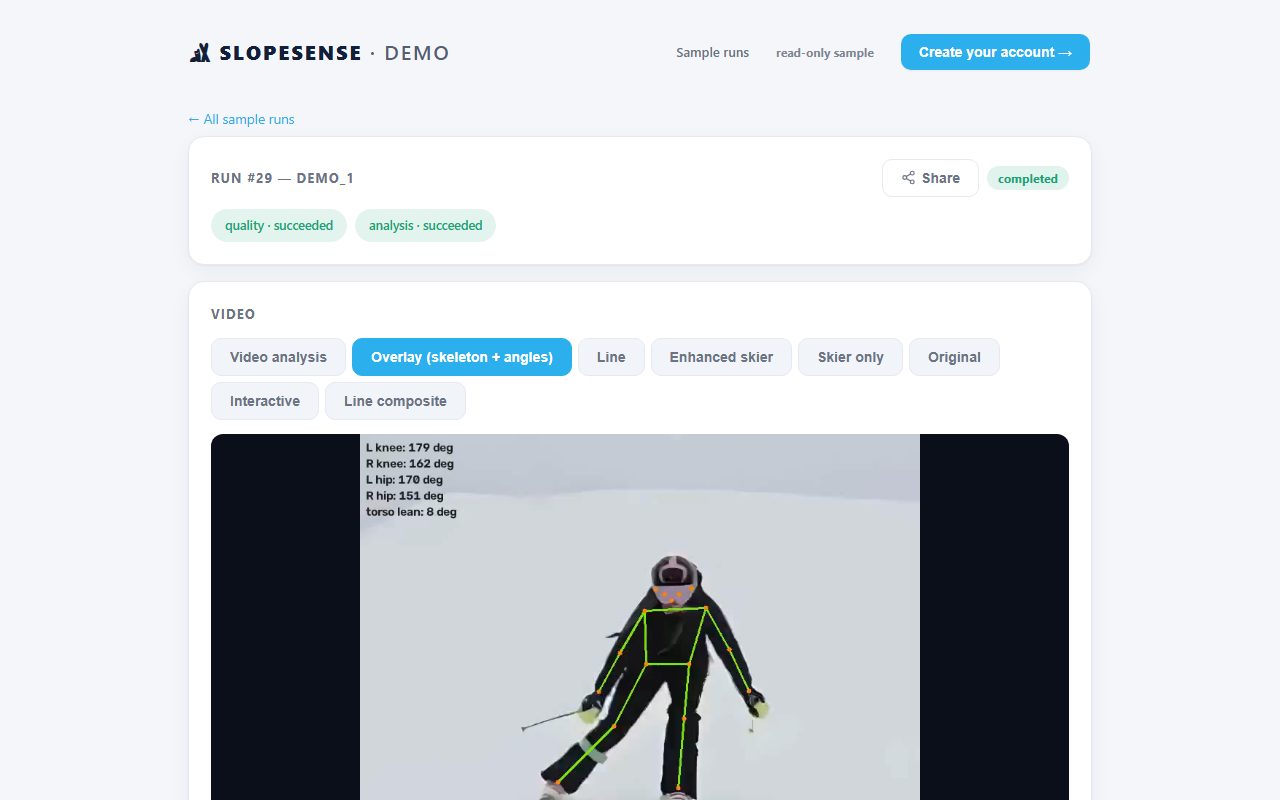
Video analysis
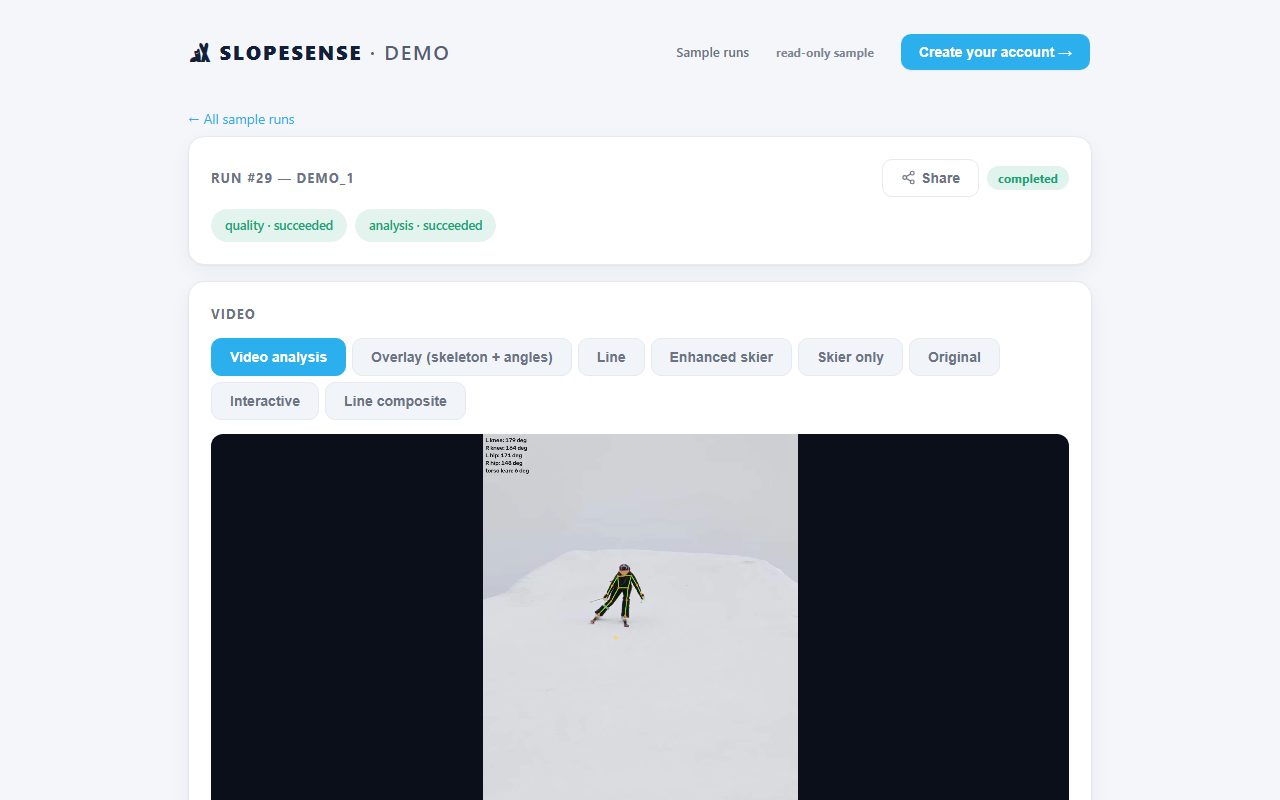
A real analysed run: skeleton, joint and edge angles on every frame, plus the coach-signed assessment.
Open a sample run →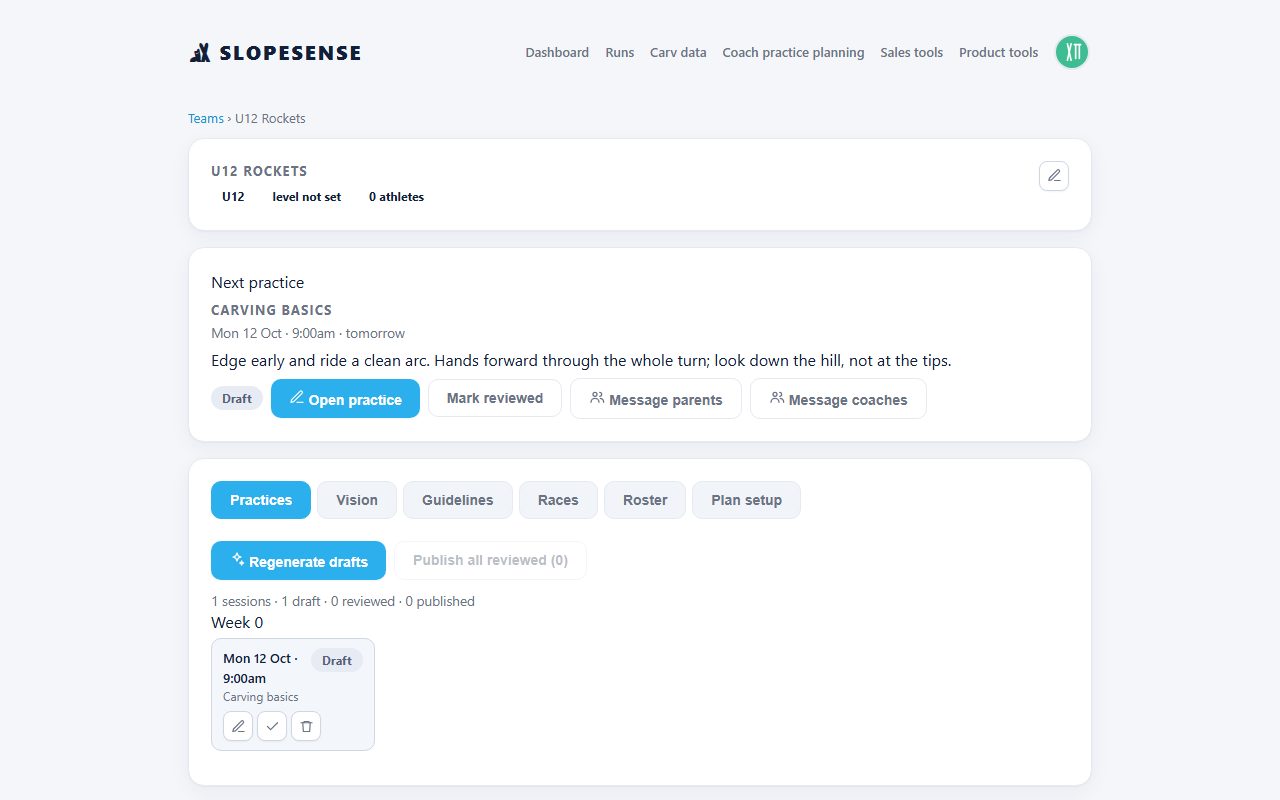 Click to explore
Coach practice planning
A full season on the Strive curriculum, and every practice with its drills.
Open the season plan →Lesson programs
A ten-week CSIA lesson program for instructors and ski schools.
Open the lessons →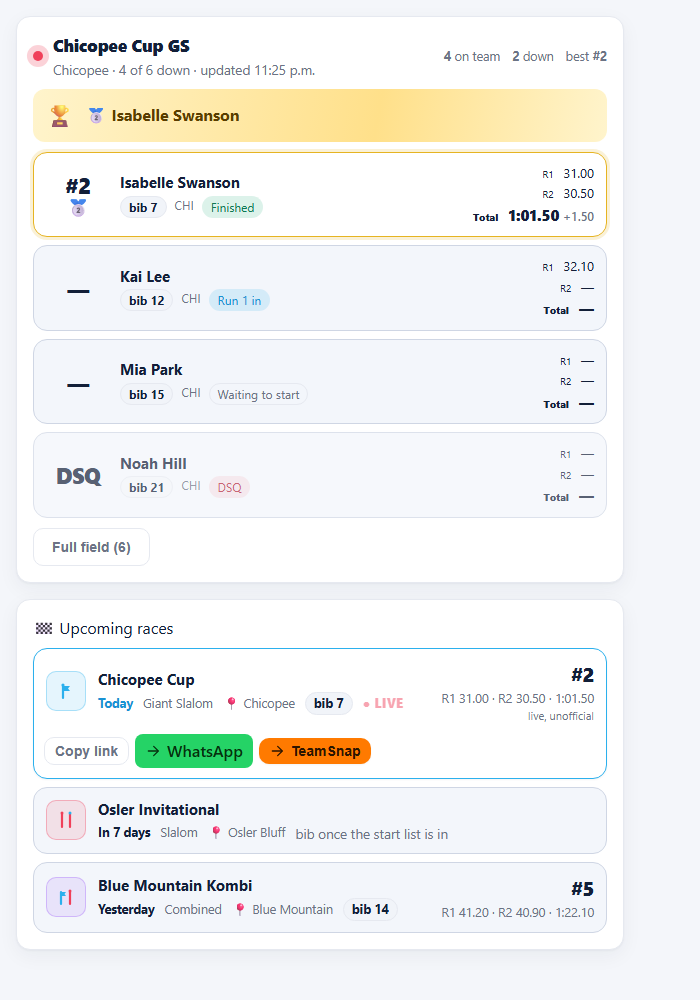 Click to explore
Race day, live
Live timing, start lists and results on one board.
See race day → Click to explore
Parents & team
One private page per racer for the family.
See the parent view →Video analysis
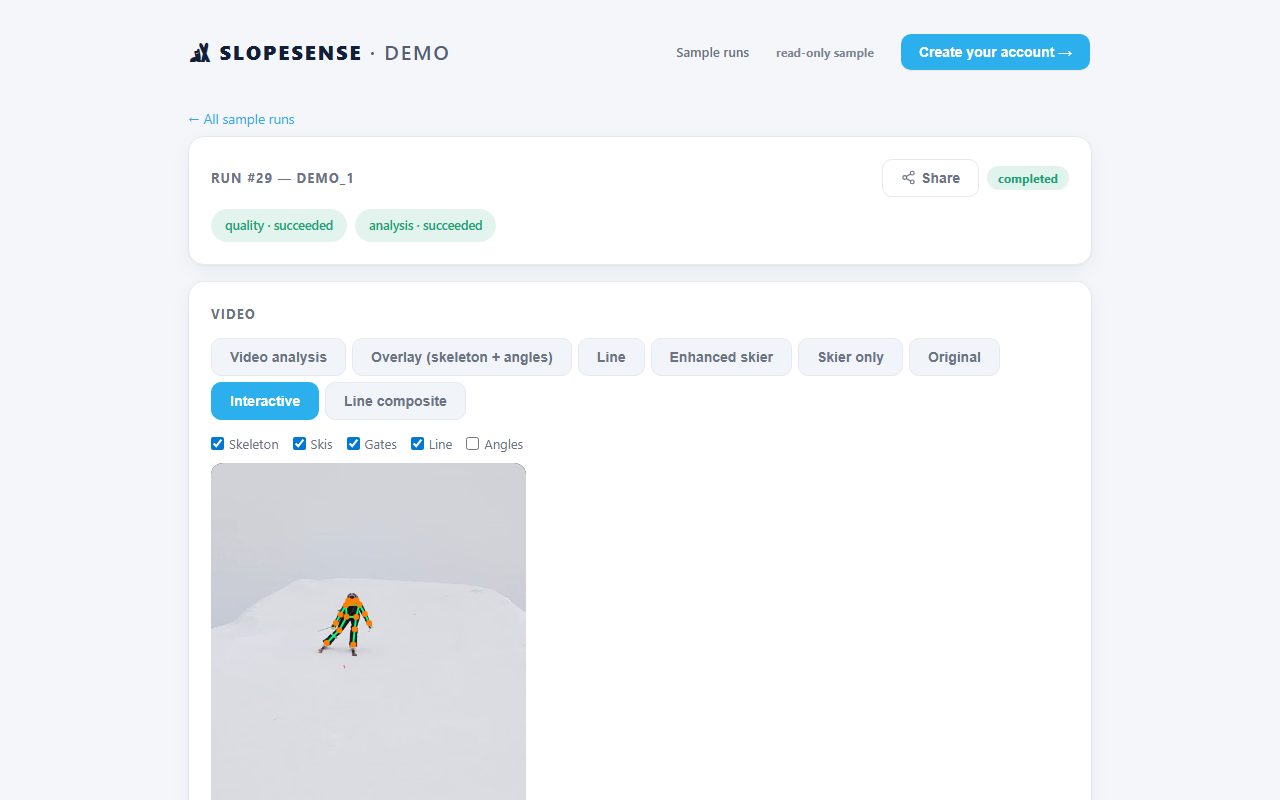
Open a sample run and switch the analysis view: the skeleton + joint-angle overlay, the line vs. the ideal, speed, and a coach-signed technique assessment. When you sign up, your own uploads get the same treatment automatically.
Season planner → Strive
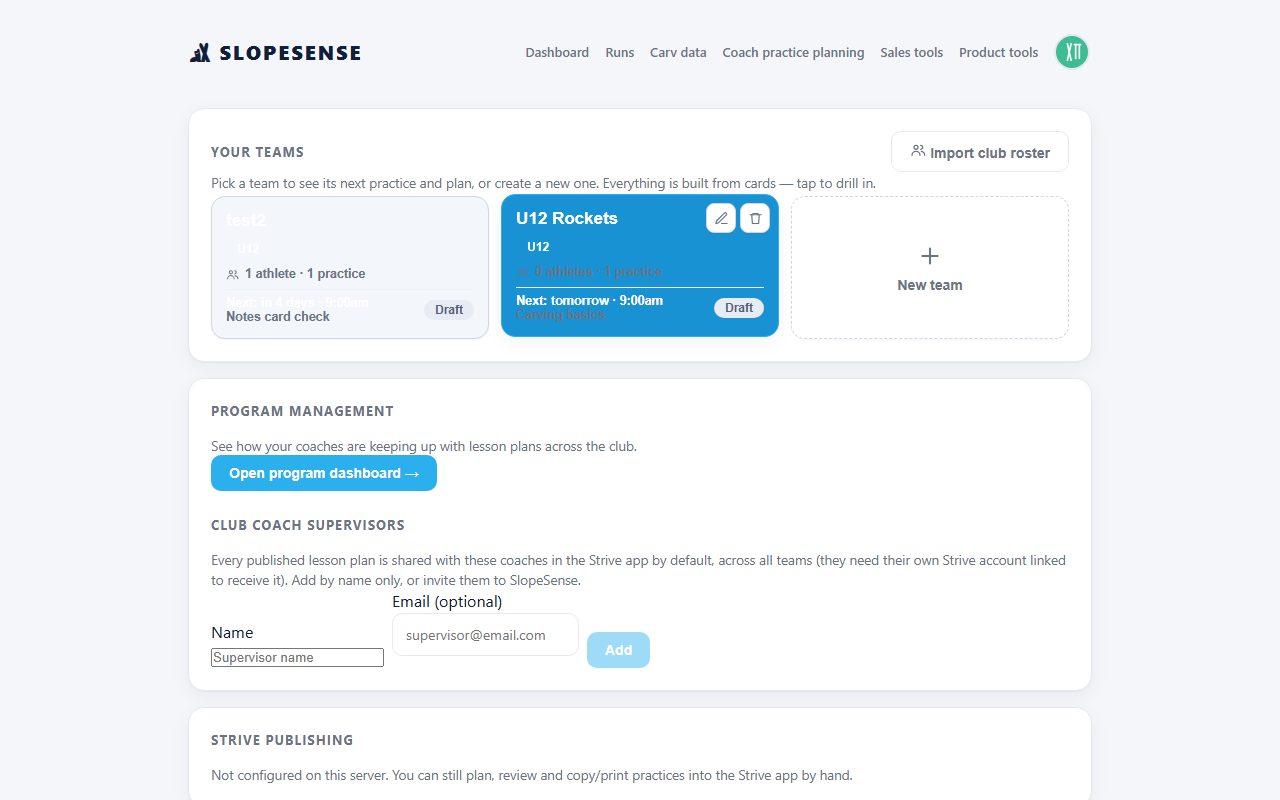
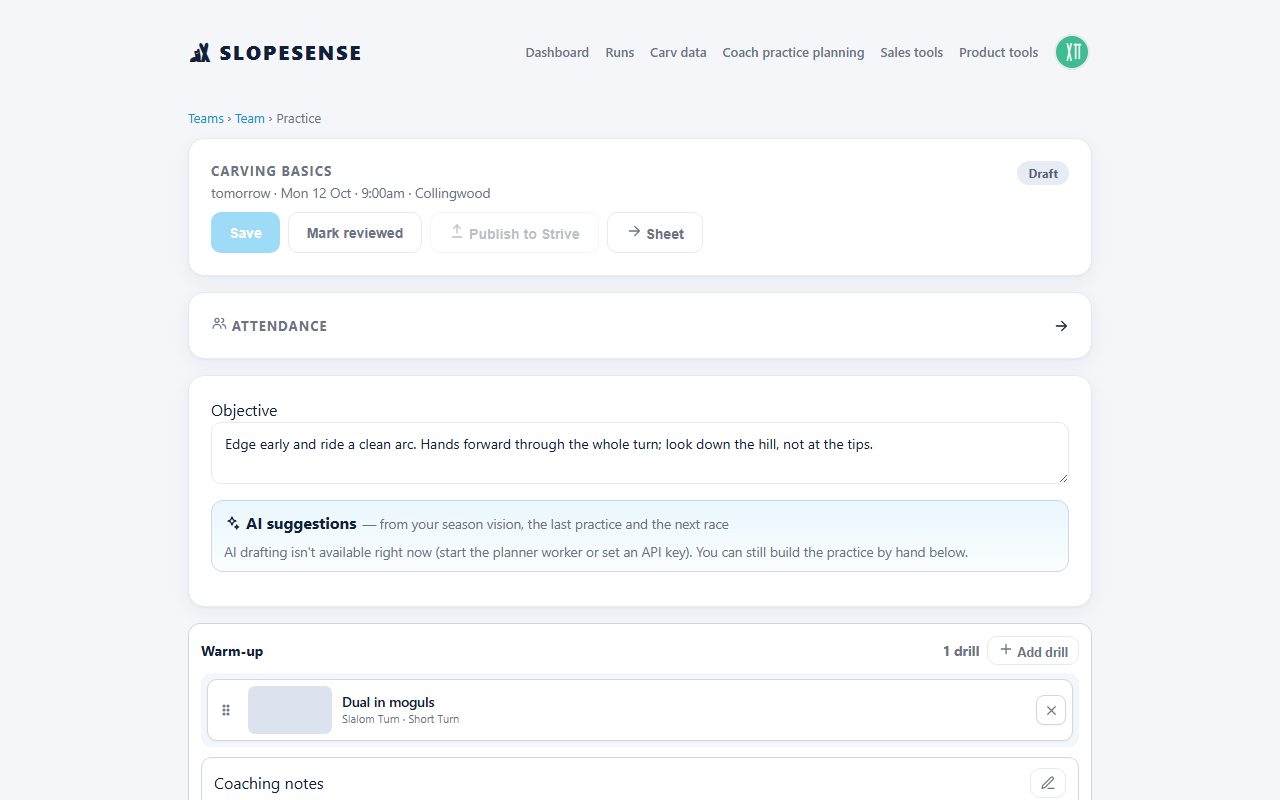
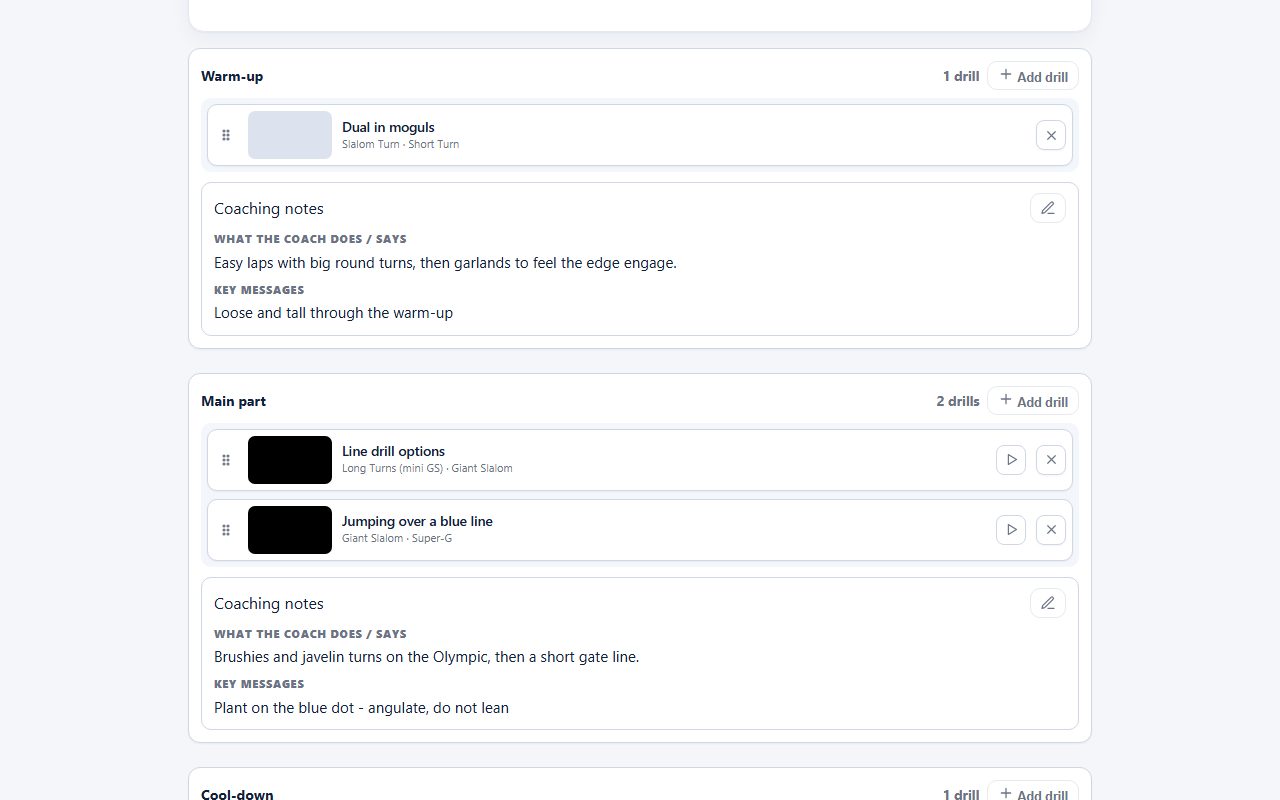
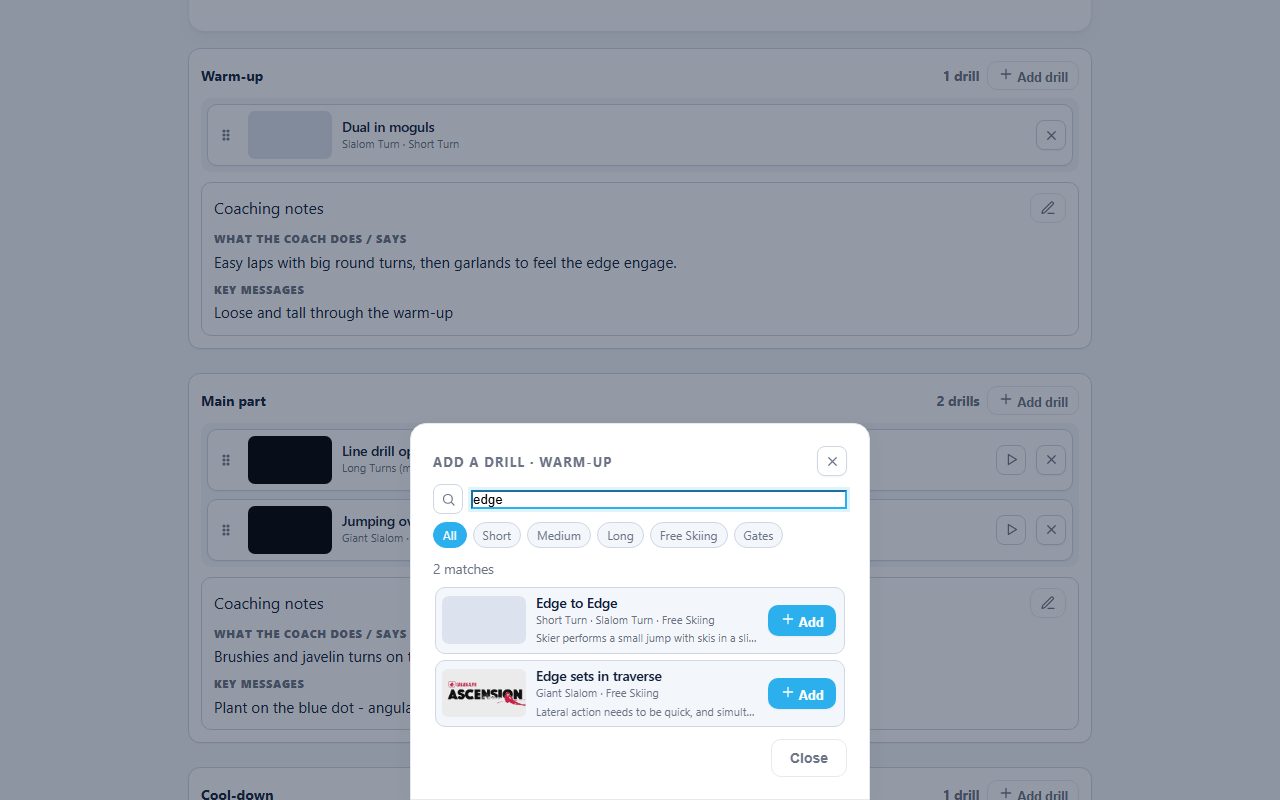
Coaches draft a whole season on the ACA/Strive curriculum in minutes, with a built-in drill library, then publish straight into Strive and share to co-coaches. After signing up as a coach, you’ll find this under “Coach practice planning”.
Lesson programs (CSIA / PSIC)
Instructors and ski schools build a whole lesson program on the CSIA or PSIC framework: weekly lessons with drills, a mid-program check-in, a final assessment and a progress report for every student’s parents.
Race day, live
Connect a live-timing race and your athletes’ runs come in on one board; snap start lists and results and they attach to each racer. Parents can follow along with a link.
Parents & team
Every racer gets one private, read-only link — scorecards, race results and video — shareable over WhatsApp or TeamSnap, no account needed for parents. You control what’s shared.
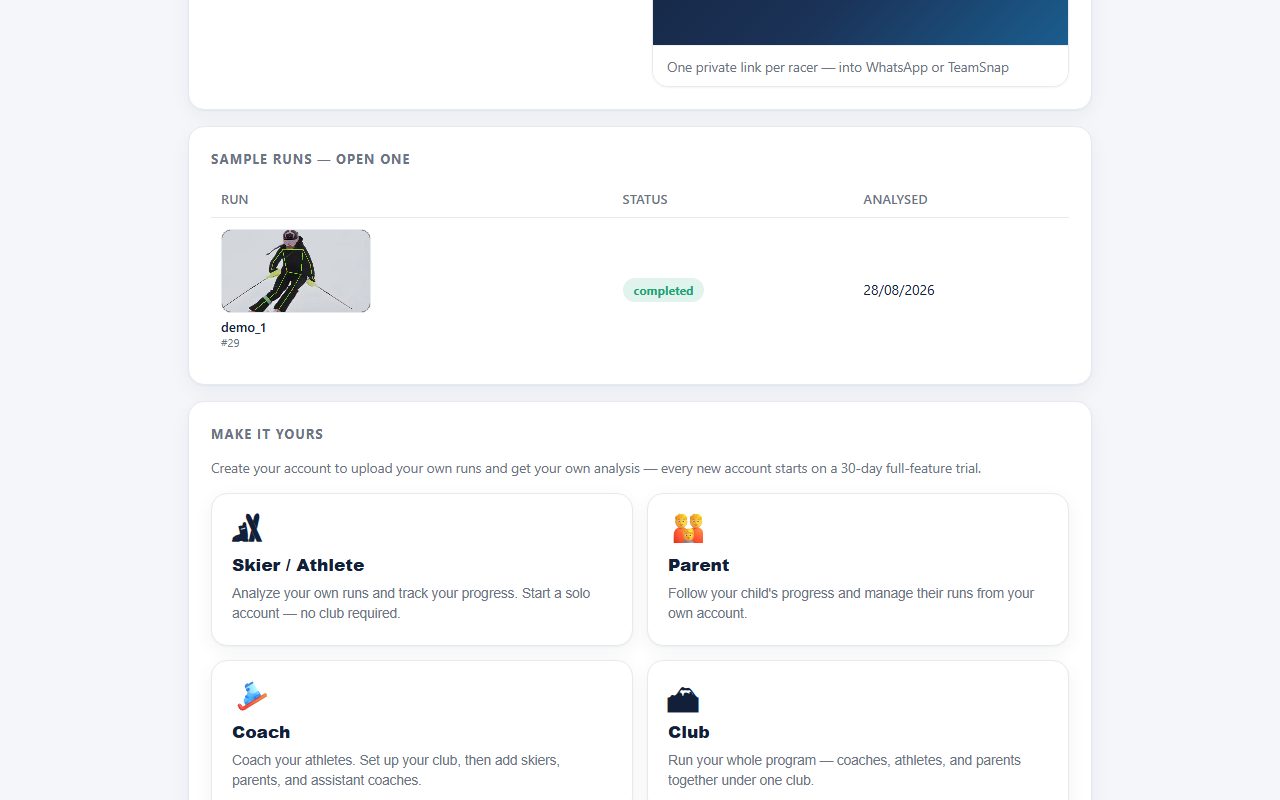
Sample runs — open one
Click any run to open its full analysis.
Loading samples…
Make it yours
Create your account to upload your own runs and get your own analysis — every new account starts on a 30-day full-feature trial.
Already have an account? Sign in